
GEA on macOS
What ships is an AppKit app, the same kind any Mac developer builds, with no Electron and no webview tucked inside.
npx create-geastack
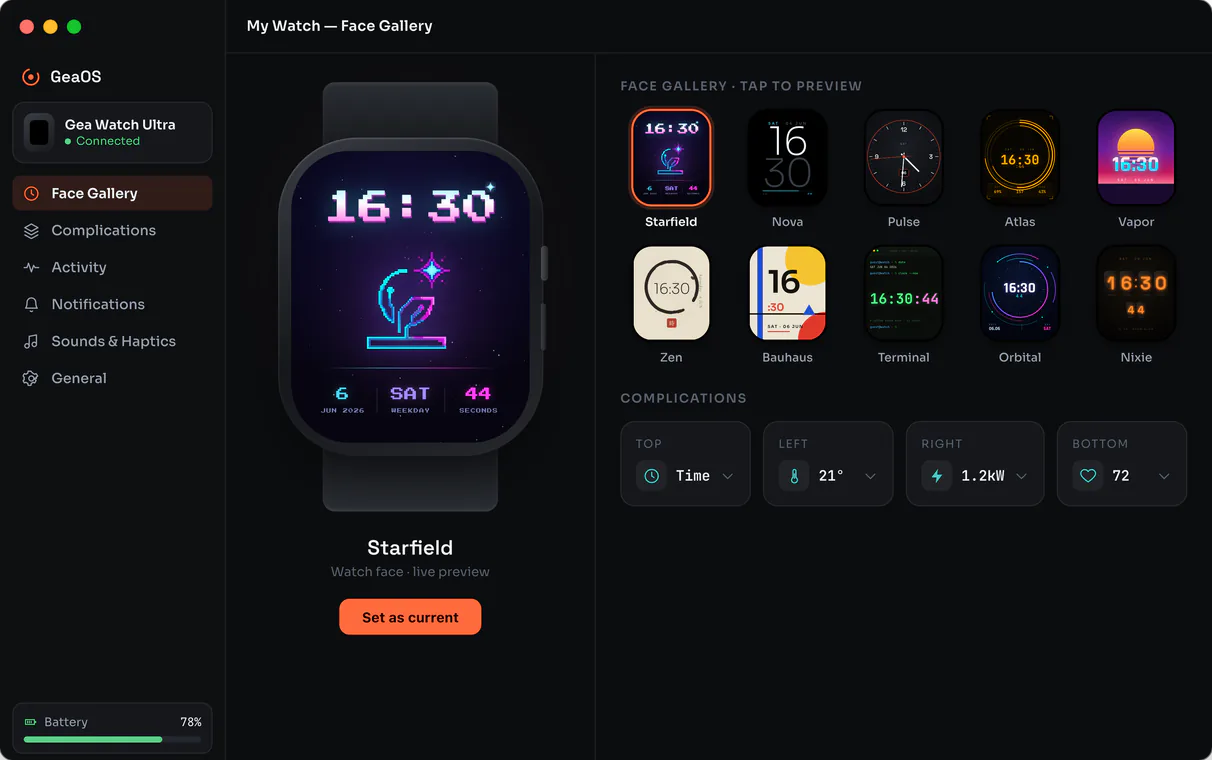
The same components, rendered through AppKit
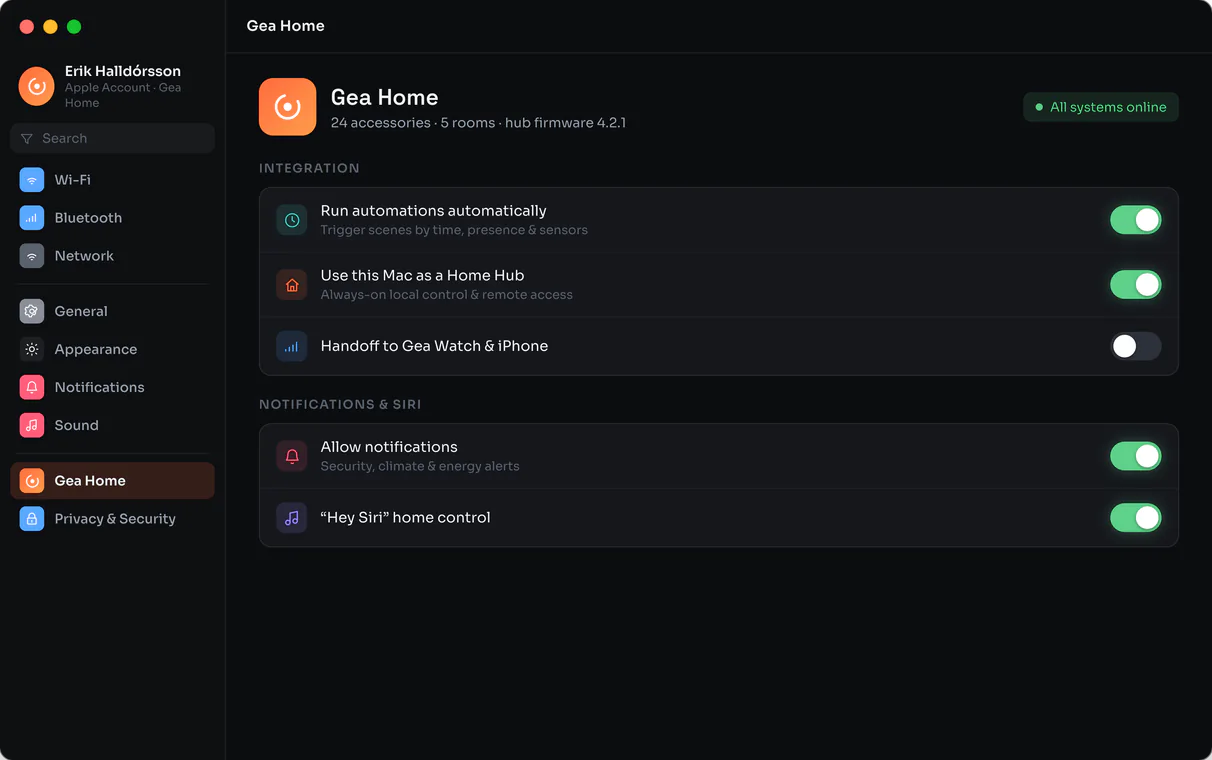
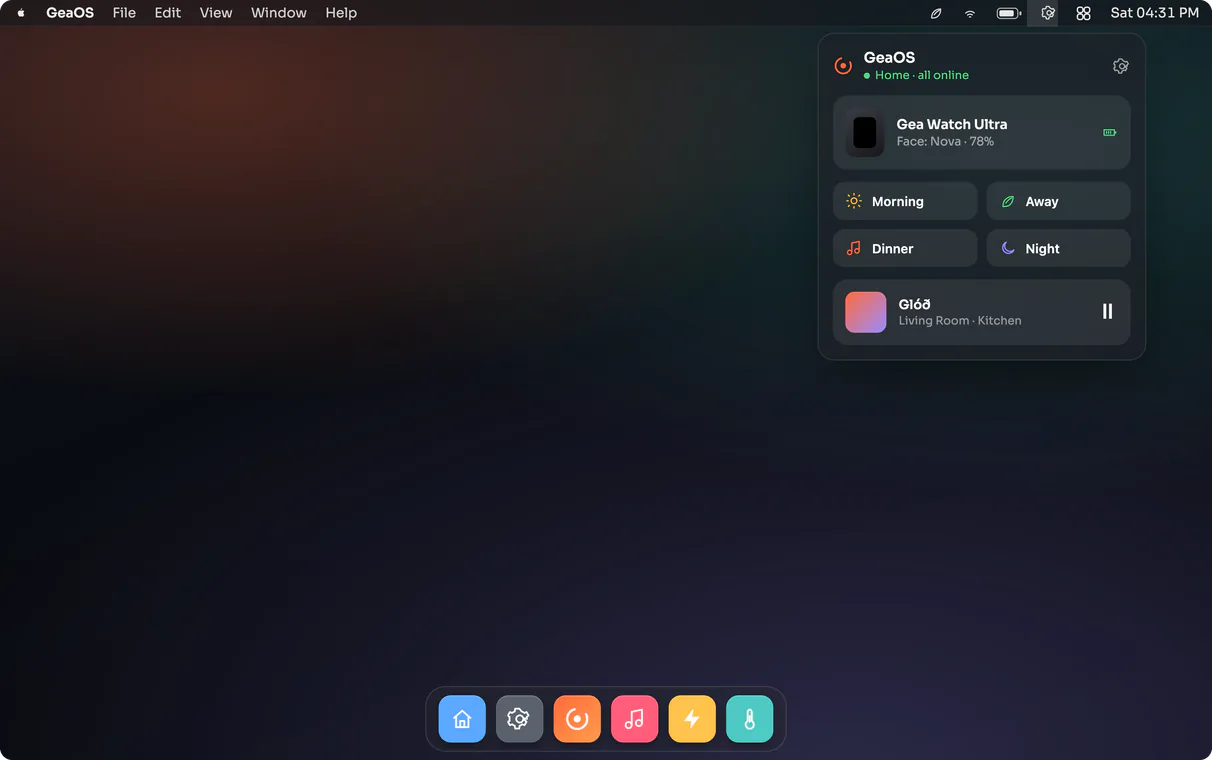
The same components that run on a microcontroller, on iOS or on a Linux panel render through AppKit here. You keep one codebase, and each platform renders it with its own views.
Here's one — a native macOS Notes-app clone, built in TypeScript, JSX and CSS:
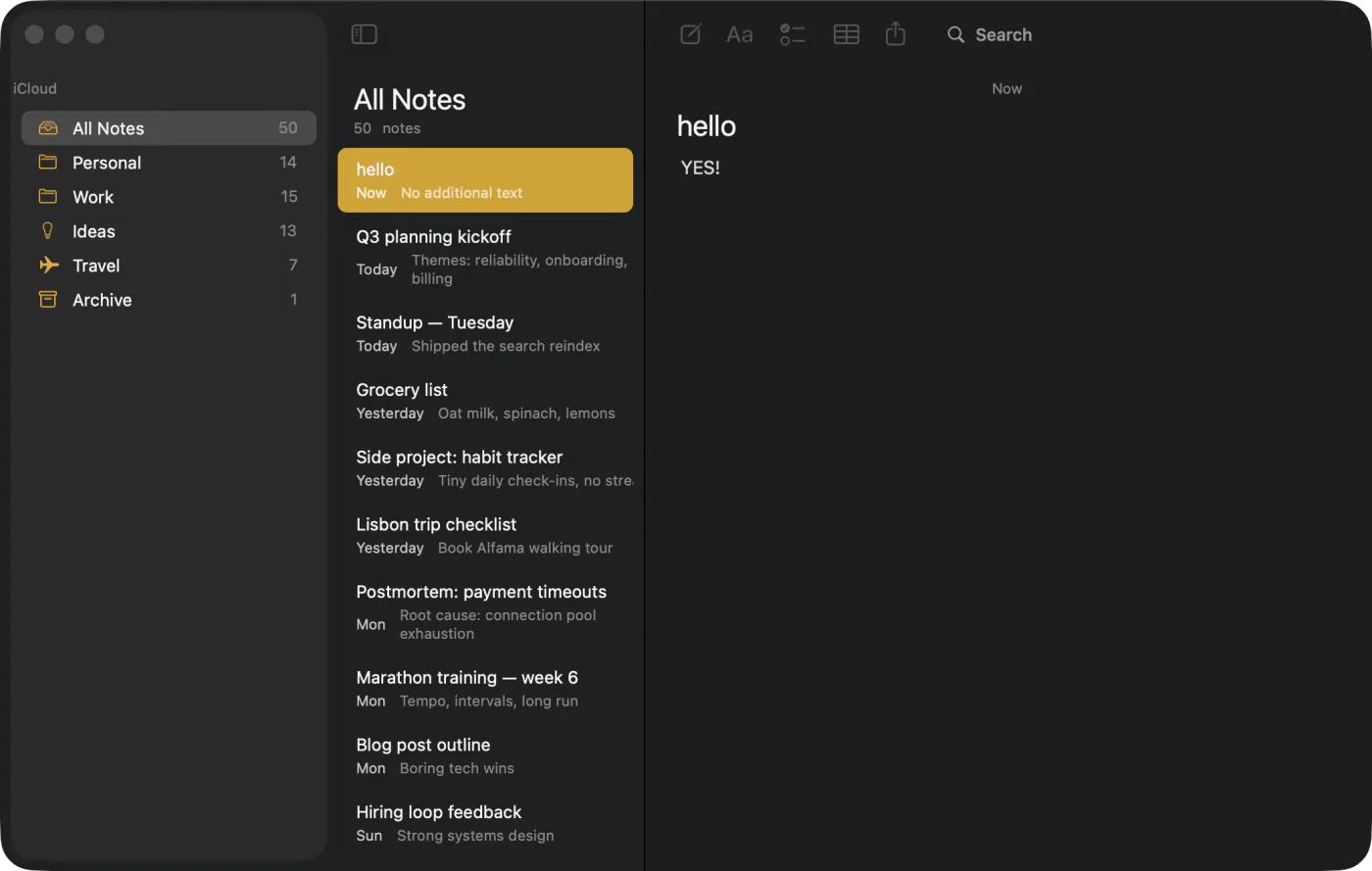
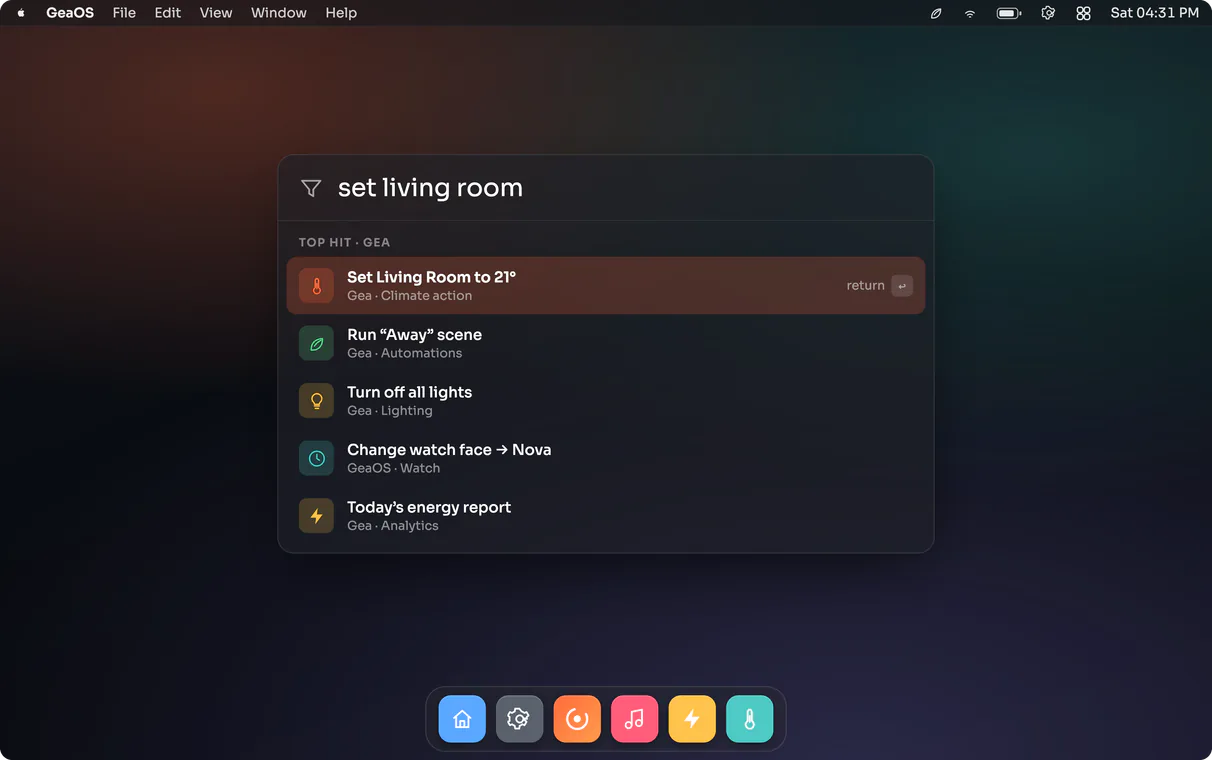
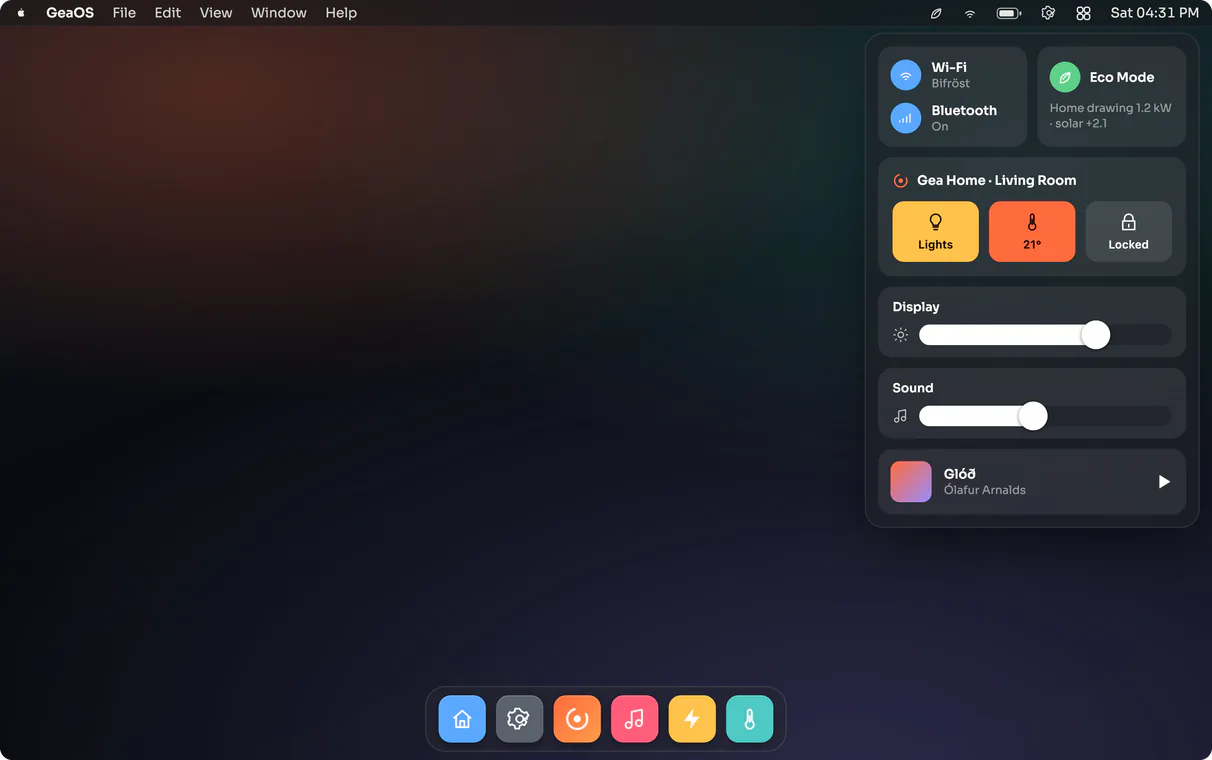
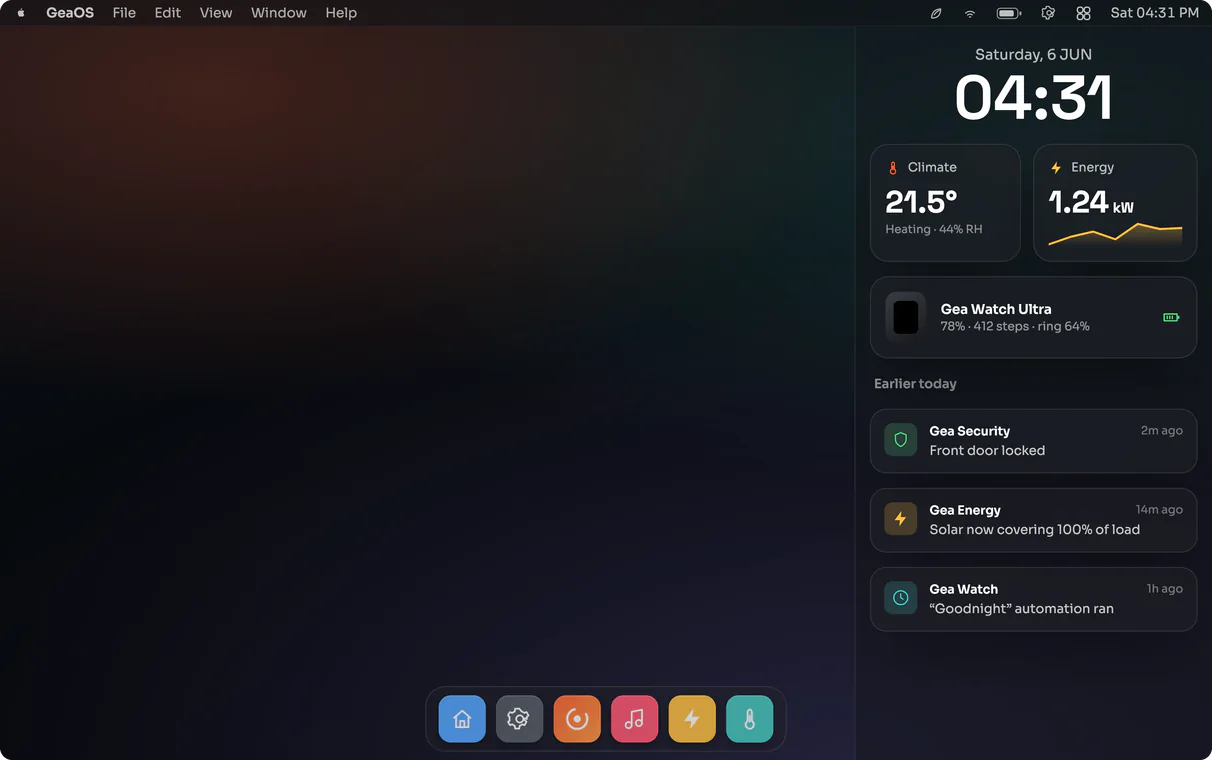
The UI is ordinary TypeScript
These are the same GEA components you run on every other target. geatsc reads each one at build
time and lowers it to C++ and Objective-C++, which clang++ links into a Mach-O
bundle. The app that ships carries no embedded Chromium, no JavaScriptCore and no Electron.
import { ReactiveComponent } from 'gea-embedded'

// One component, one reactive field. geatsc lowers count to a typed Signal;
// each tap runs a typed method whose write re-renders only the dependent node.
export class Counter extends ReactiveComponent {
  count = 0

  template() {
    return (
      <div class="counter">
        <span class="count">{this.count}</span>
        <button onClick={() => this.count++}>+</button>
      </div>
    )
  }
}Component nodes map to AppKit views
Each node in your component tree becomes a native AppKit view. The renderer walks the tree and keeps one view per node, keyed by node id, picking the concrete class from the node's type: a Text node is an NSTextField, a Button is an NSButton, an Image is an NSImageView, a scrolling list is an NSScrollView, a plain View is an NSView. The pixel rasterizer the other targets use is switched off here; the view tree is the UI.
// one native AppKit view per node, chosen by node type
switch (type) {
  case NodeType::Text:        return makeTextField();   // NSTextField
  case NodeType::Button:      return makeButton();       // NSButton
  case NodeType::Image:       return makeImageView();     // NSImageView
  case NodeType::Canvas:      return makeCanvasView();     // GeaCanvasView (CoreGraphics)
  case NodeType::VirtualList: return makeScrollView();     // NSScrollView
  default:                    return [[NSView alloc] initWithFrame:NSZeroRect];
}
When state changes, GEA re-runs the frame, recomputes layout, and walks the tree again, applying
the new state onto the cached views — text onto attributedStringValue, background onto
the layer, frame from the layout — and tears down the views of nodes that went away. Input comes
back the same way: a click hit-tests to a node and fires your handler; an edited field writes its
value back. To the system it behaves like any other Cocoa app.
System frameworks, in TypeScript
The system frameworks are available from TypeScript under Apple's own names. AppKit views and
colour, CoreGraphics and QuartzCore for drawing, MapKit and CoreLocation, AVFoundation and Photos
for capture, and Metal for the GPU show up as the classes you would find in the documentation —
NSView, NSColor, MKMapView, AVCaptureSession,
MTLDevice — with the same properties and selectors. You write against macOS directly.
import { NSView, NSTextField, NSColor } from '@geastack/apple/AppKit'

const card  = new NSView()
const title = new NSTextField()
title.stringValue = 'Notes'
title.textColor   = NSColor.labelColor()
card.addSubview(title)
Each call lowers straight to the Objective-C message it names — a constructor to
alloc/init, a method to its selector, a property to a property access on
the real object — with no generated C wrapper in between:
// card.addSubview(title) lowers to a direct Objective-C++ message send
[((__bridge ::NSView *)gea::apple::objc::object(card.handle)) addSubview:
   ((__bridge ::NSView *)gea::apple::objc::object(title.handle))];
Native views, written as JSX
Alongside the cross-platform GEA component model, you can write JSX directly against the real AppKit
classes, inline in your .tsx. The tags are the same documented macOS classes the
bindings expose — NSStackView and the rest — with their real properties and selectors.
It reads like SwiftUI, but there is no SwiftUI underneath: it builds ordinary AppKit views.
A Vite plugin, appleNativeJsxPlugin from @geastack/vite-plugin-apple-native,
lowers each element to imperative construction — new Tag(), property assignments and
addArrangedSubview — so the declarative source and the native view tree stay one and the
same. The notes-native example is built this way.
import { NSStackView, NSUserInterfaceLayoutOrientationVertical } from '@geastack/apple/AppKit'

// JSX over real AppKit classes → new NSStackView() + addArrangedSubview
const sidebar = (
  <NSStackView orientation={NSUserInterfaceLayoutOrientationVertical} spacing={2} />
) as NSStackView