
GEA on embedded Linux
The handheld runs a single native binary that draws straight to its framebuffer, on the same kernel the device already boots. Your TypeScript, JSX and CSS compiles down to that one executable.
npx create-geastack
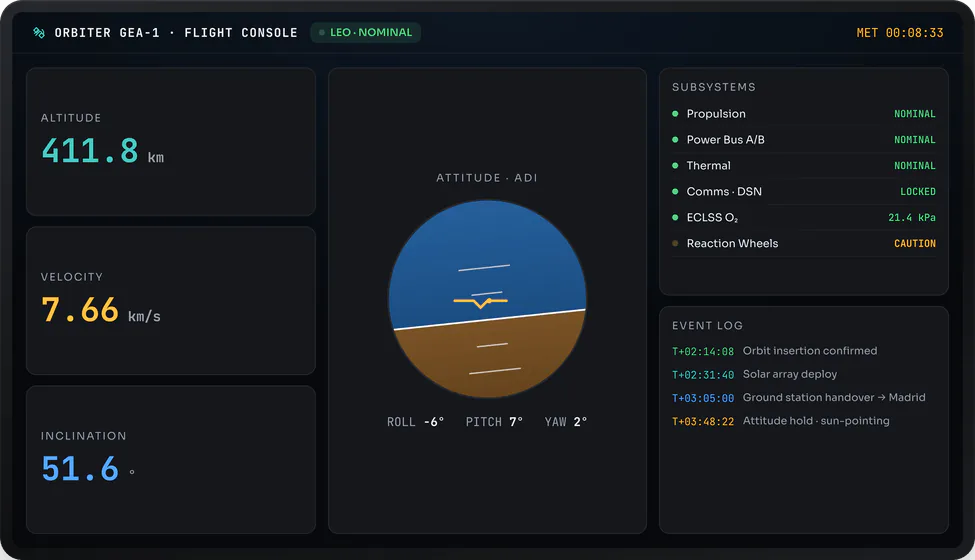
The same components on long-lived displays
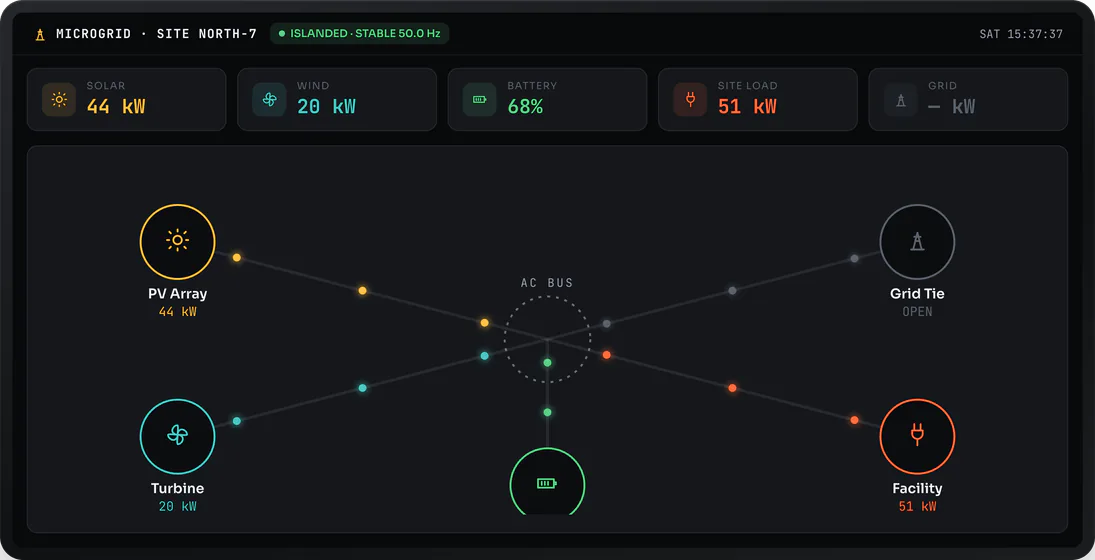
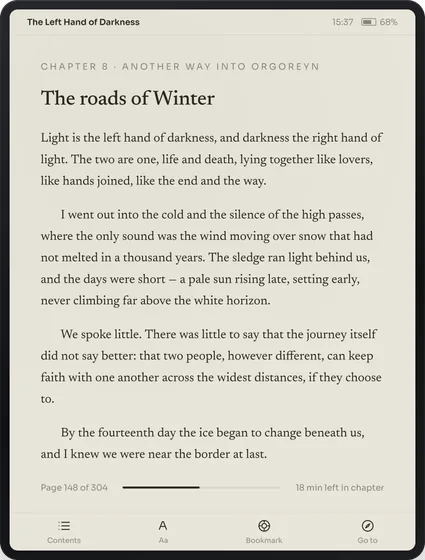
The components you write for a microcontroller, macOS or iOS are the same ones that drive the long-lived displays embedded Linux tends to sit behind: clusters, consoles, chartplotters, control stations. You bring the UI you already have to a different class of device.
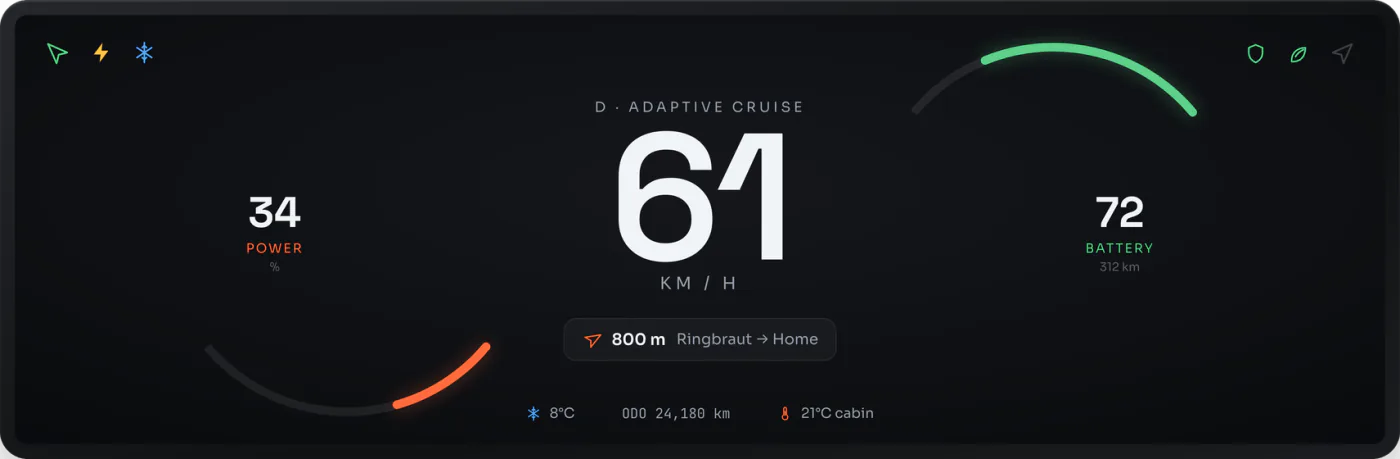
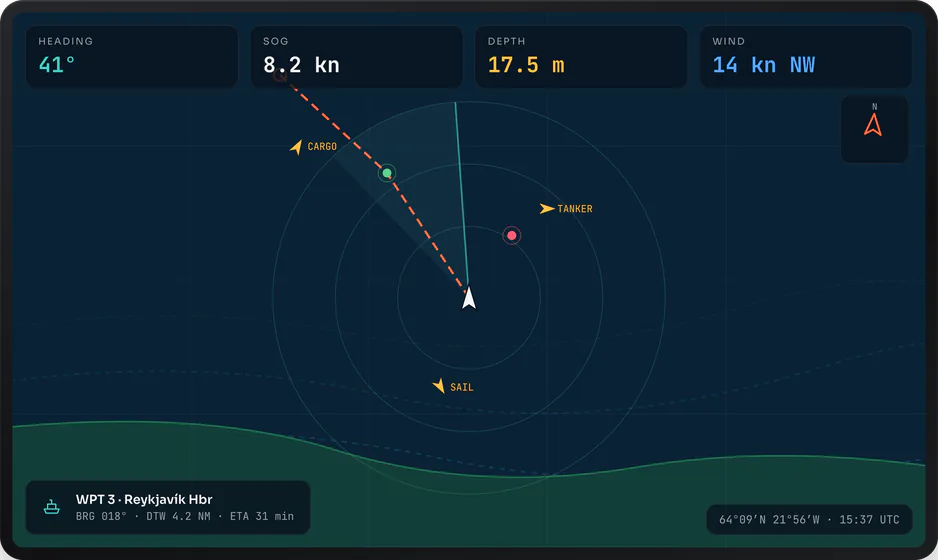
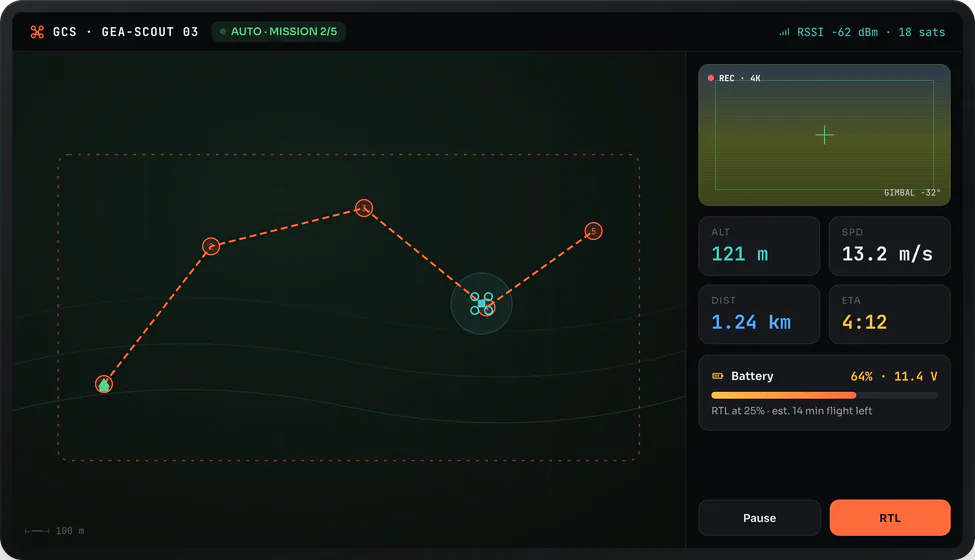
The UI is ordinary TypeScript
These are the same GEA components you run elsewhere. geatsc reads each one at build time and lowers it to native code, which cross-compiles into a single statically-linked binary. The device runs that binary with nothing parsing or interpreting your code as it goes.
import { ReactiveComponent } from 'gea-embedded'

// One component, one reactive field. geatsc lowers count to a typed Signal;
// each tap runs a typed method whose write re-renders only the dependent node.
export class Counter extends ReactiveComponent {
  count = 0

  template() {
    return (
      <div class="counter">
        <span class="count">{this.count}</span>
        <button onClick={() => this.count++}>+</button>
      </div>
    )
  }
}The app paints the framebuffer
geaos uses the same layout engine, retained display list and per-region dirty tracking as every other target; only the output surface changes. Instead of a panel driver, it opens the Linux framebuffer the device already exposes, maps it into the process, and asks the kernel for the resolution and pixel format. The app draws straight into that map.
// open and map the Linux framebuffer the device already exposes
g_fb_fd  = open("/dev/fb0", O_RDWR);
ioctl(g_fb_fd, FBIOGET_VSCREENINFO, &vinfo);   // resolution + pixel format, from the kernel
g_fb_map = mmap(nullptr, smem_len, PROT_READ | PROT_WRITE, MAP_SHARED, g_fb_fd, 0);

// each frame: wait for vblank, write only the rows that changed, then present
ioctl(g_fb_fd, FBIO_WAITFORVSYNC, &arg);
for (int i = 0; i < dirtyCount; i++) blit_rect(rects[i]);   // write each changed rect in the panel's native pixel format
ioctl(g_fb_fd, FBIOPAN_DISPLAY, &vinfo);
Each frame writes only the rows that changed, straight into the framebuffer in the panel's own pixel
format — the format the kernel reports for the device, read once at start-up, not reconverted per
frame — and presents with the standard framebuffer ioctls — pan the page, wait for vblank — so the
picture does not tear. There is no compositor or window server in the path. Input is standard Linux input:
geaos opens the kernel's evdev device and reads the same input_event records any Linux
program would, turning EV_ABS and BTN_TOUCH reports into touch and click
events for your components.
A layer on what already boots
GEA does not ship a kernel. geaos runs on the Linux kernel the device already boots, and your app is one statically-linked native binary that runs on top of it. The compiler cross-compiles your TypeScript, JSX and CSS down to that single executable.
Deploying a change is copying a file. You build the binary, push it onto the device's storage where it persists across reboots, and run it. There is no firmware image to assemble and nothing to flash for an app update.
# build the app into one static native binary
npx gea build --app bouncing-balls-jsx --target geaos

# build and deploy it onto the device's storage — no image, nothing to flash
npx gea flash --app bouncing-balls-jsx --target geaos