
GEA on Android
What ships is a native Android app: geatsc compiles your UI to C++ and the NDK builds it into a native library, and every component node reconciles to a real Android view.
npx create-geastack
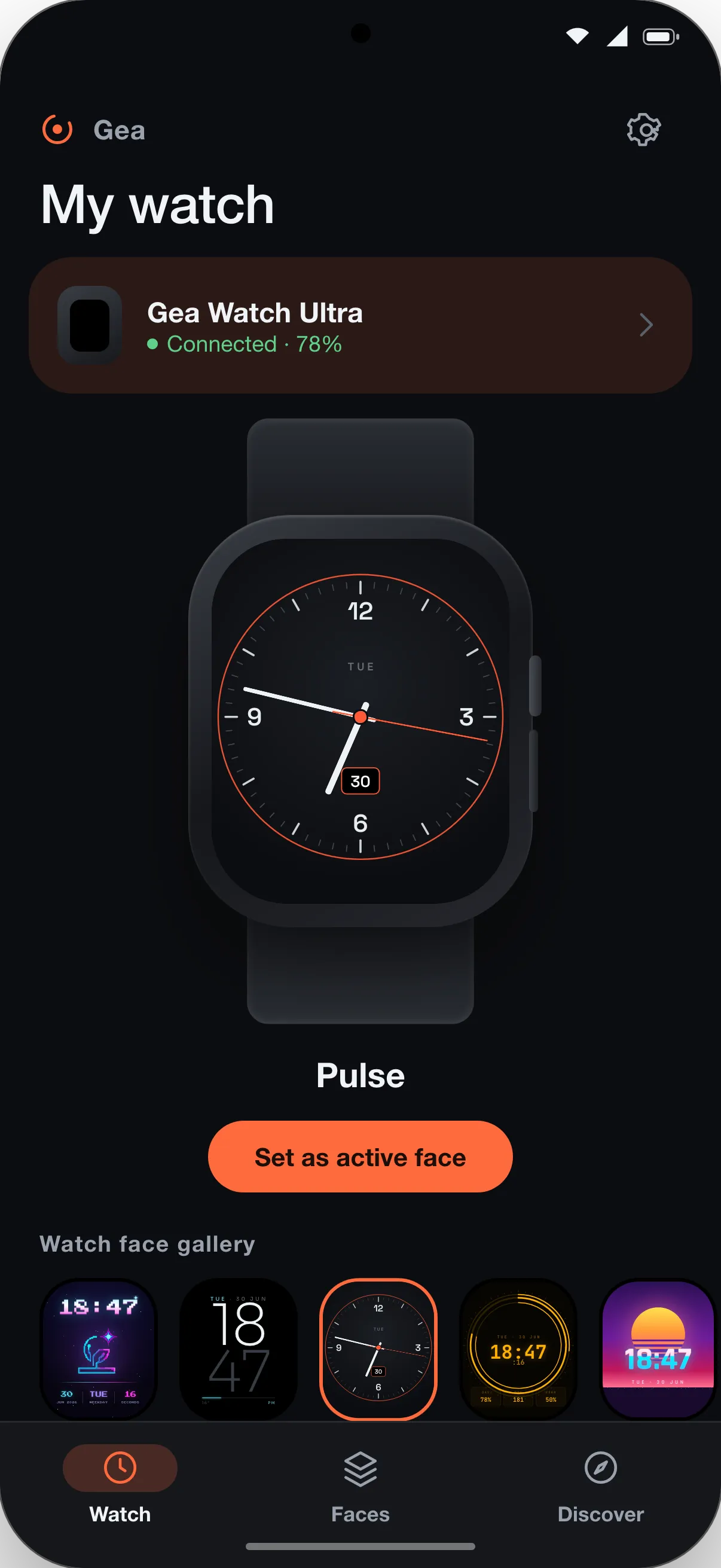
The same components, rendered as Android views
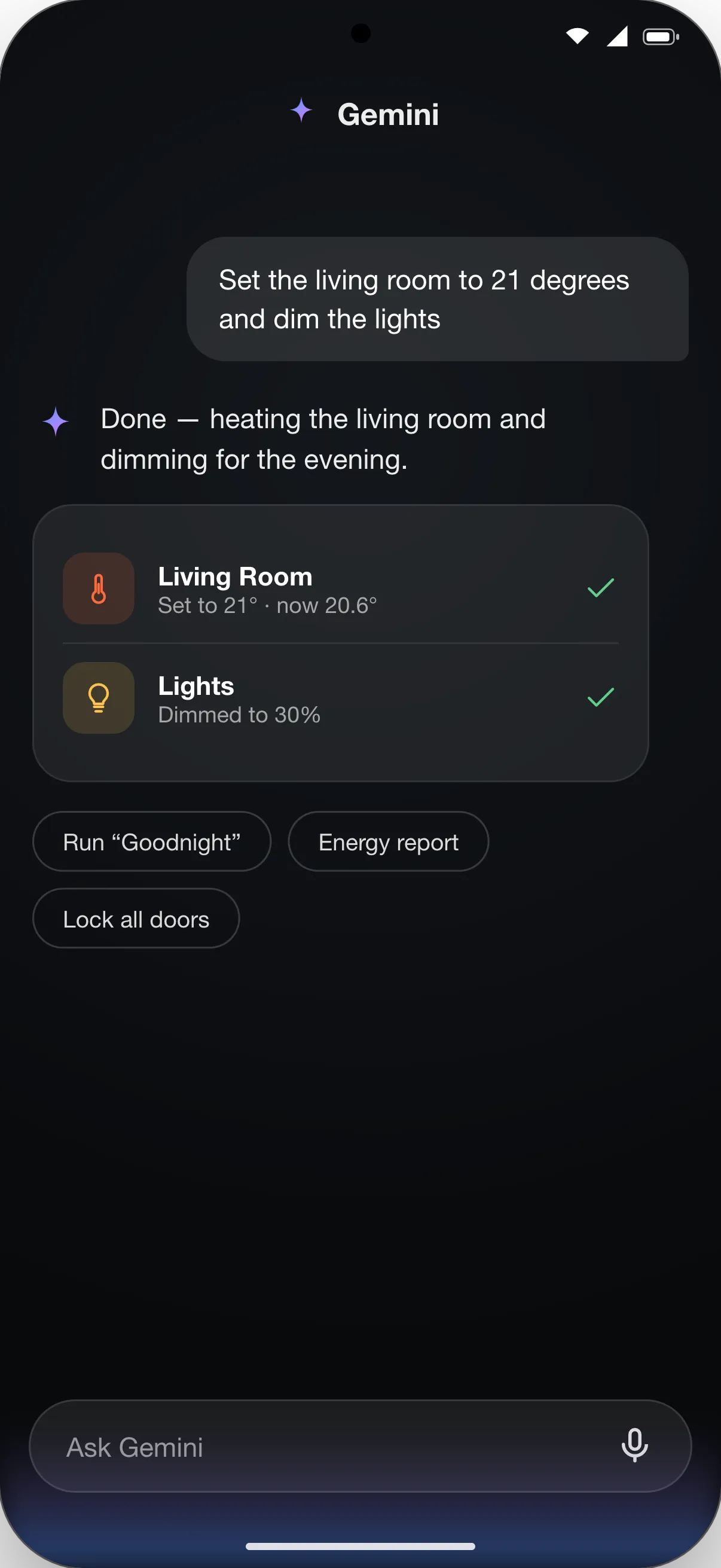
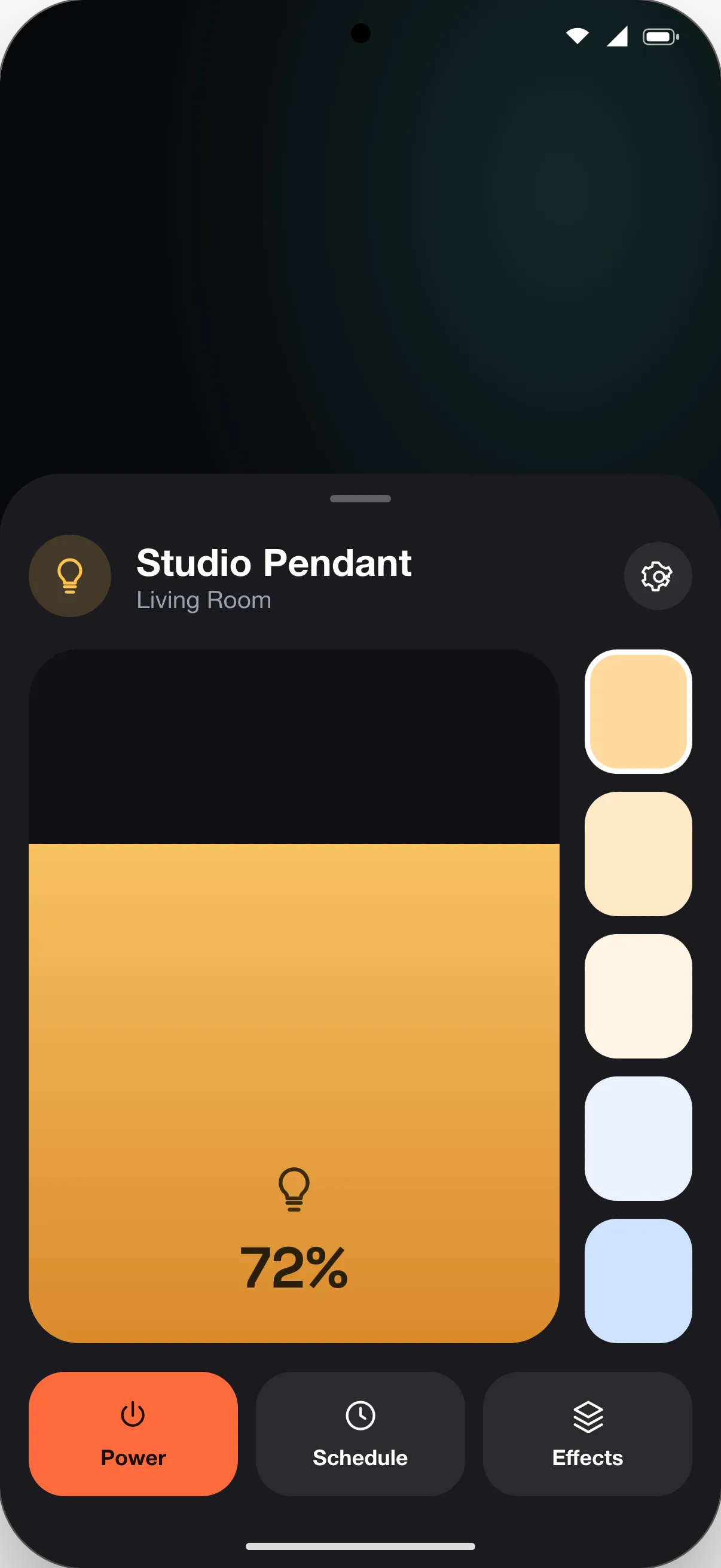
The same components that run on a microcontroller, on iOS or on a Linux panel reconcile to native Android views here. You keep one codebase, and each platform renders it with its own widgets.
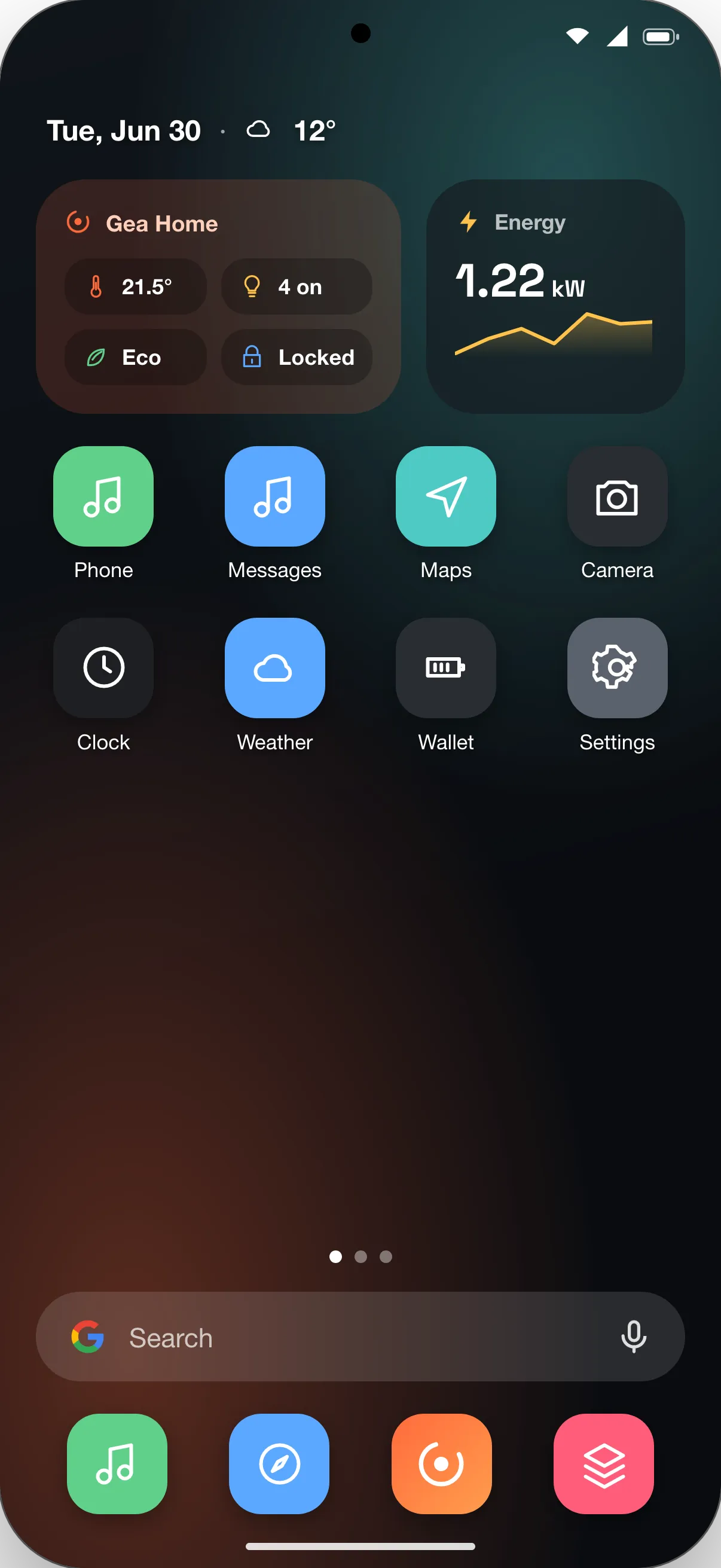
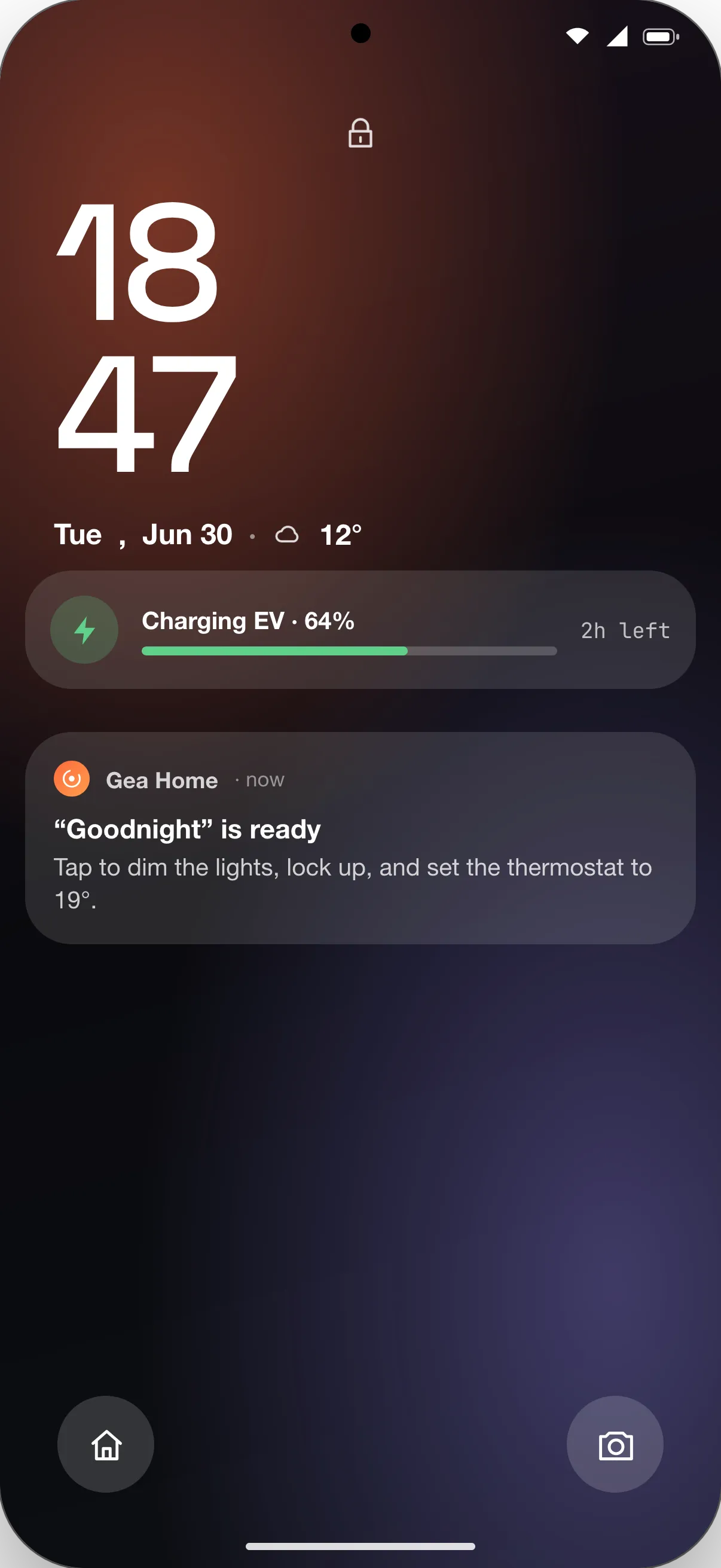
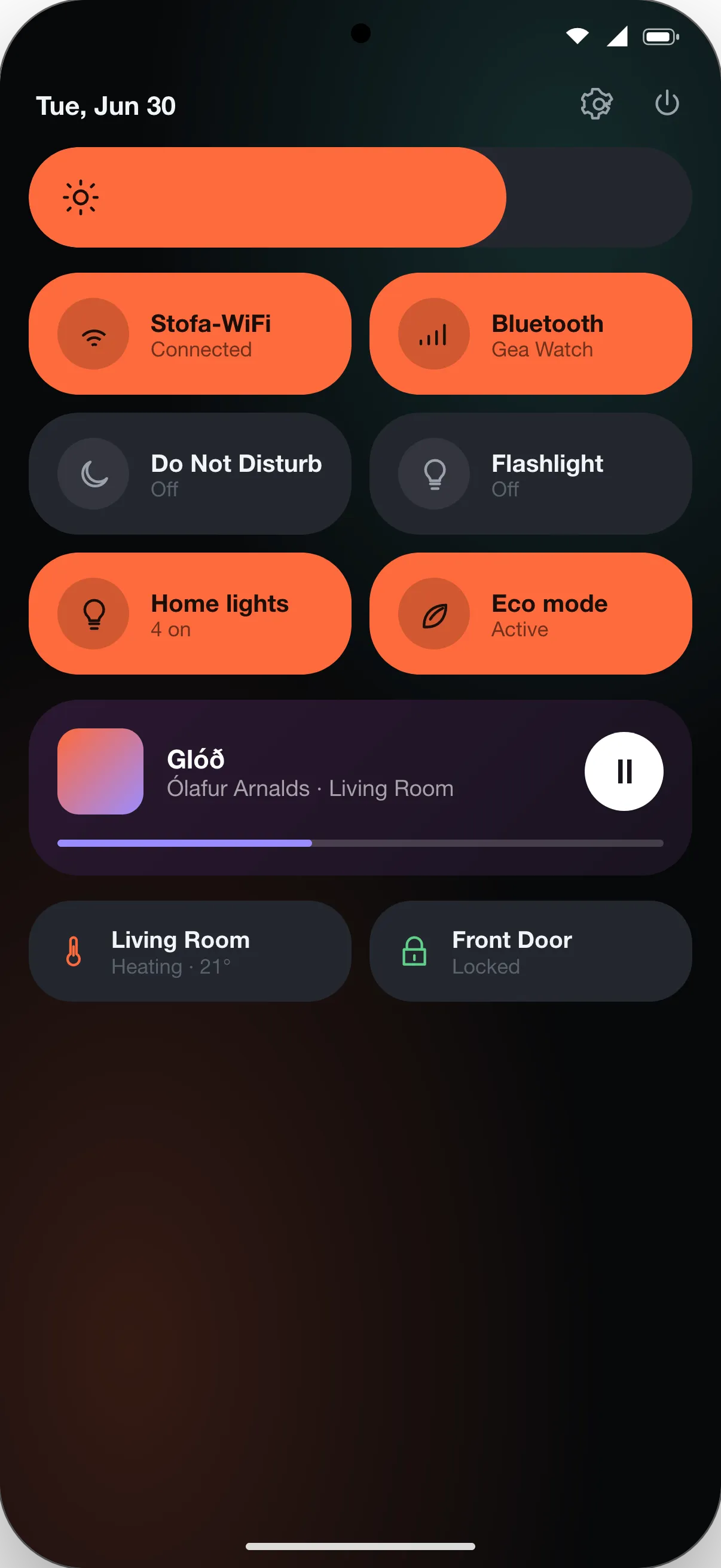
The UI is ordinary TypeScript
These are the same GEA components you run on every other target. geatsc reads each one at build time and lowers it to C++, which the Android NDK and CMake build into a native library. The app that ships carries no WebView and no JavaScript engine.
import { ReactiveComponent } from 'gea-embedded'

// One component, one reactive field. geatsc lowers count to a typed Signal;
// each tap runs a typed method whose write re-renders only the dependent node.
export class Counter extends ReactiveComponent {
  count = 0

  template() {
    return (
      <div class="counter">
        <span class="count">{this.count}</span>
        <button onClick={() => this.count++}>+</button>
      </div>
    )
  }
}Component nodes map to native Android views
Each node in your component tree becomes a native Android view. When it renders a frame, the native
engine runs the app and computes the layout and style tree, then a thin JNI bridge
(GeaNativeBridge.nativeFrame(...)) hands the result to Java as node descriptors, not as
pixels. A custom GeaNativeView, set as the activity's content view by
MainActivity, reconciles those nodes onto real Android views: a Text node is a
TextView, every other node a FrameLayout. The renderer keeps one view per
node, keyed by node id, reuses it across frames, and rebuilds it only when the node's type changes.
Rendering is dirty-driven: the view re-syncs when something changes — a state update, an animation, a
touch — and schedules the next frame through Choreographer only while the engine reports
it still has work (nativeNeedsFrame).
// one native Android view per node, chosen by node type
View createView(int type) {
  if (type == TYPE_TEXT) return new TextView(context); // Text  → TextView
  return new FrameLayout(context);                     // View / list → FrameLayout
}
Style maps straight onto the view: background colour, corner radius and border come from a
GradientDrawable, and opacity from the view's alpha. Text is laid out with Android's own
text stack — during layout the engine calls back into a TextPaint /
StaticLayout pass to measure each string — and drawn from fonts bundled in the app's
assets through Typeface.createFromAsset. Input flows back through the same bridge as
native pointer events: touches (down, move, up, multi-touch) and view clicks hit-test to a node, and
your handler runs. There is no WebView and no JavaScript engine on the device; the native renderer
reports itself as native-android-views.
One command, no Gradle
The GEA CLI drives the Android SDK command-line tools for you. The NDK and CMake compile the native
library, then aapt2, d8, zipalign and apksigner
assemble and sign the APK. There is no Gradle.
# build and sign a debug APK → targets/android/dist/<app>/
npx gea build --app tic-tac-toe --target android

# build, install and launch it on a connected device over adb
npx gea flash --app tic-tac-toe --target android
gea build produces a signed debug APK under targets/android/dist/<app>/;
gea flash --target android also installs and launches it over adb, and
gea monitor --target android tails logcat. The minimum SDK is 23; the Android SDK is
found under ANDROID_HOME or ANDROID_SDK_ROOT, and the device serial, ABI
(default arm64-v8a), signing keystore, package name and screen orientation (default
portrait) are all configurable through GEA_ANDROID_* environment variables.