
GEA on microcontrollers
geatsc takes your TypeScript, JSX and CSS and compiles it ahead of time into firmware the microcontroller runs on its own. Nothing interprets your UI at runtime, because there is no JavaScript engine on the chip.
npx create-geastack
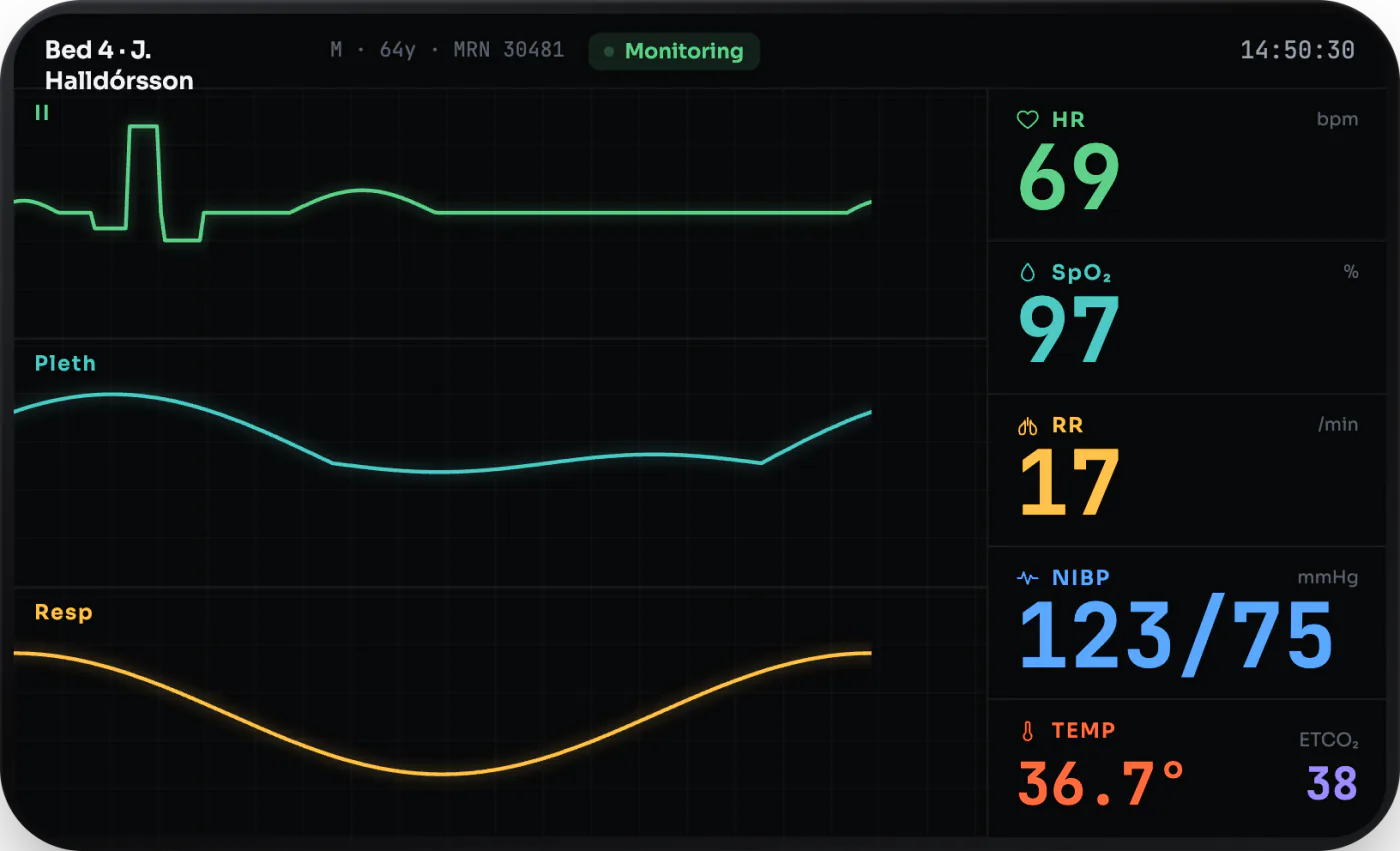
The same components on different panels
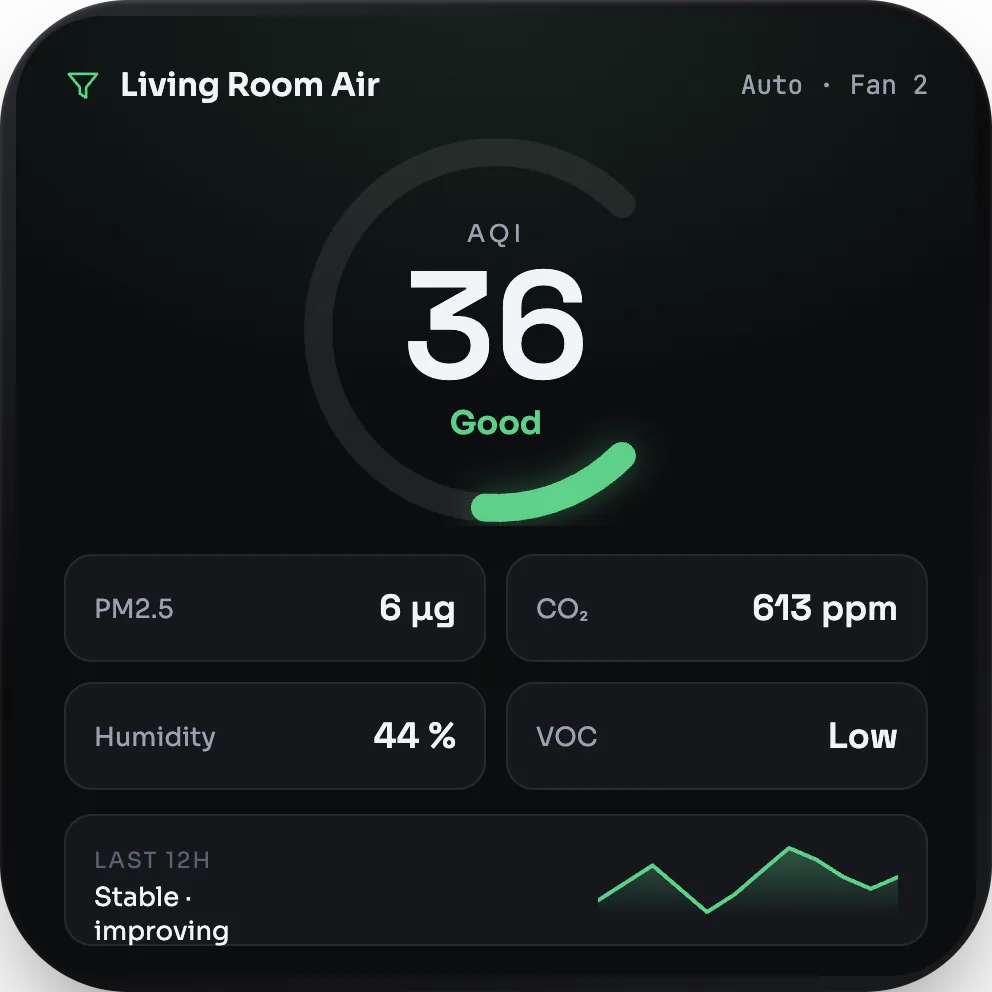
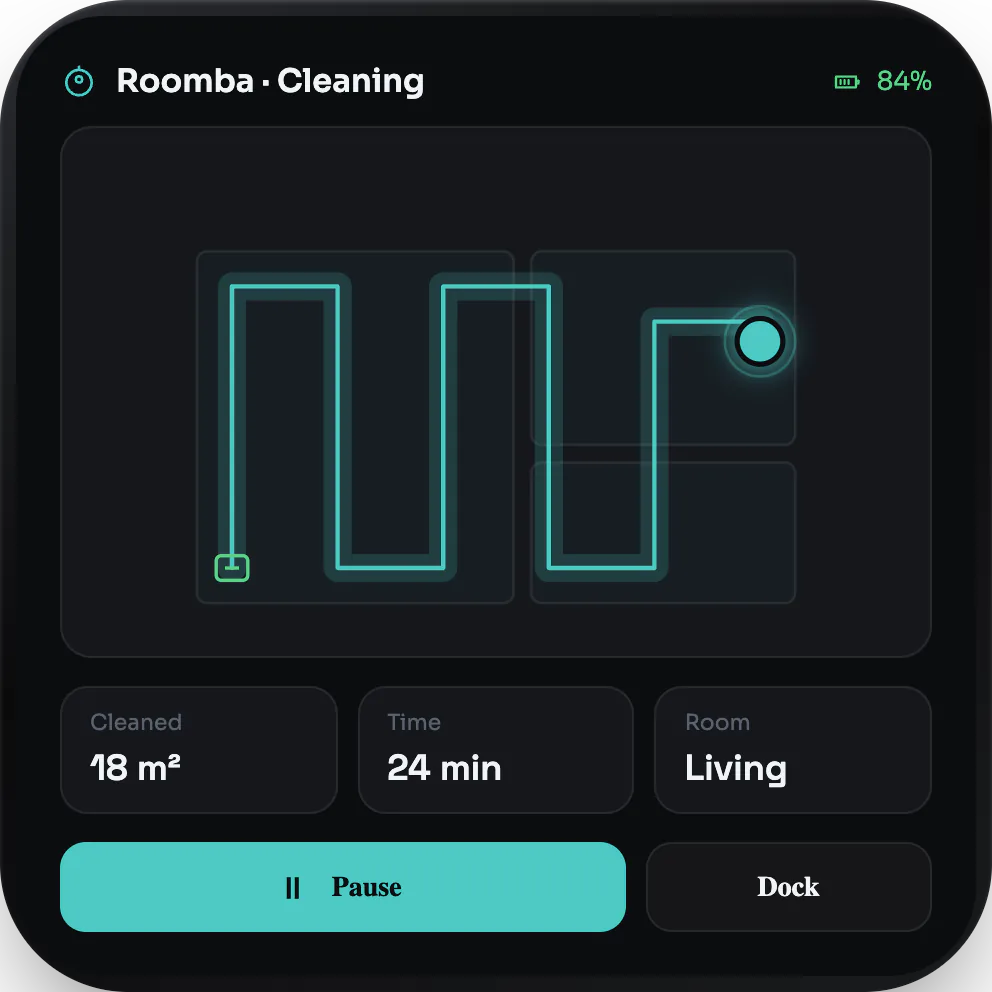
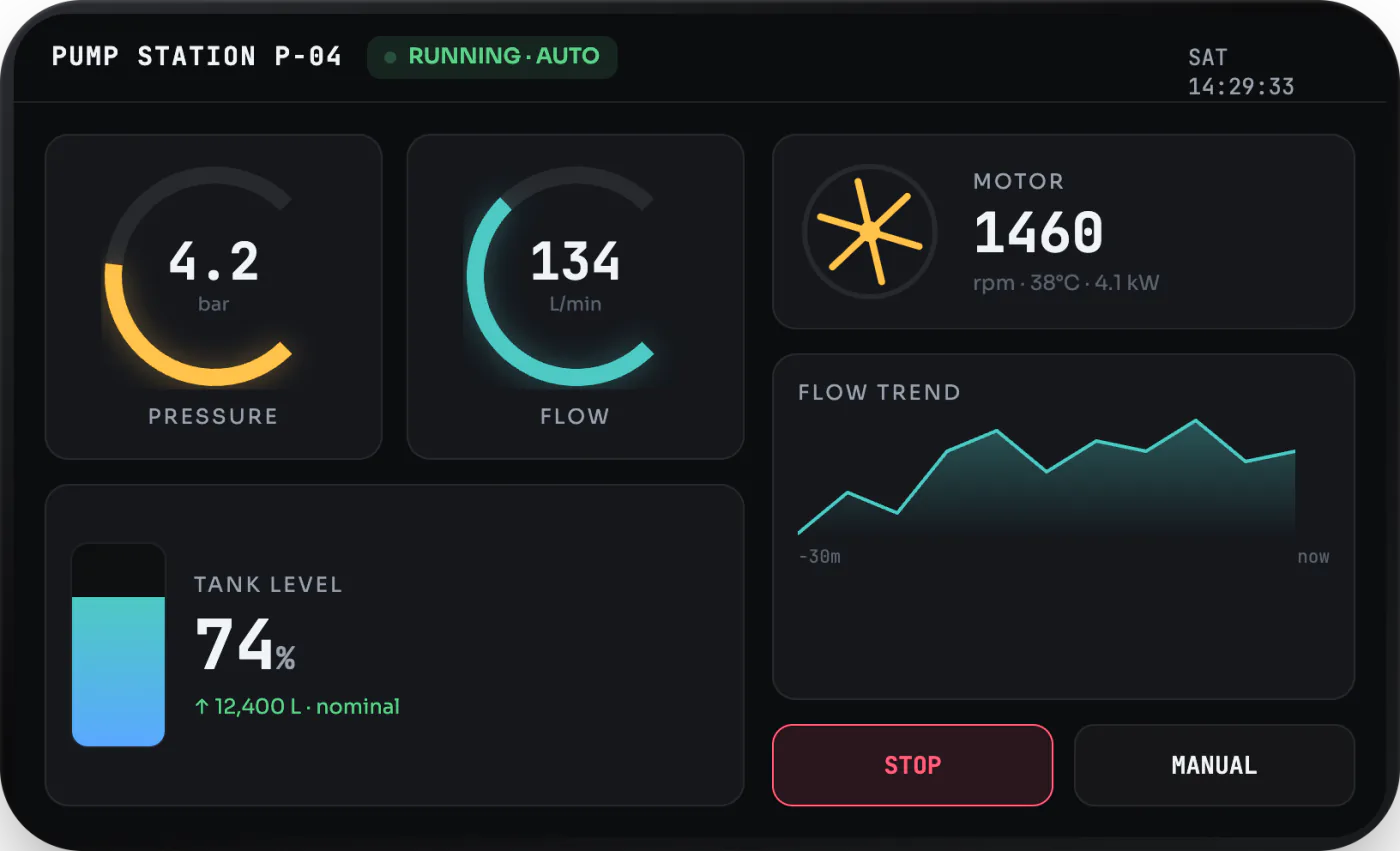
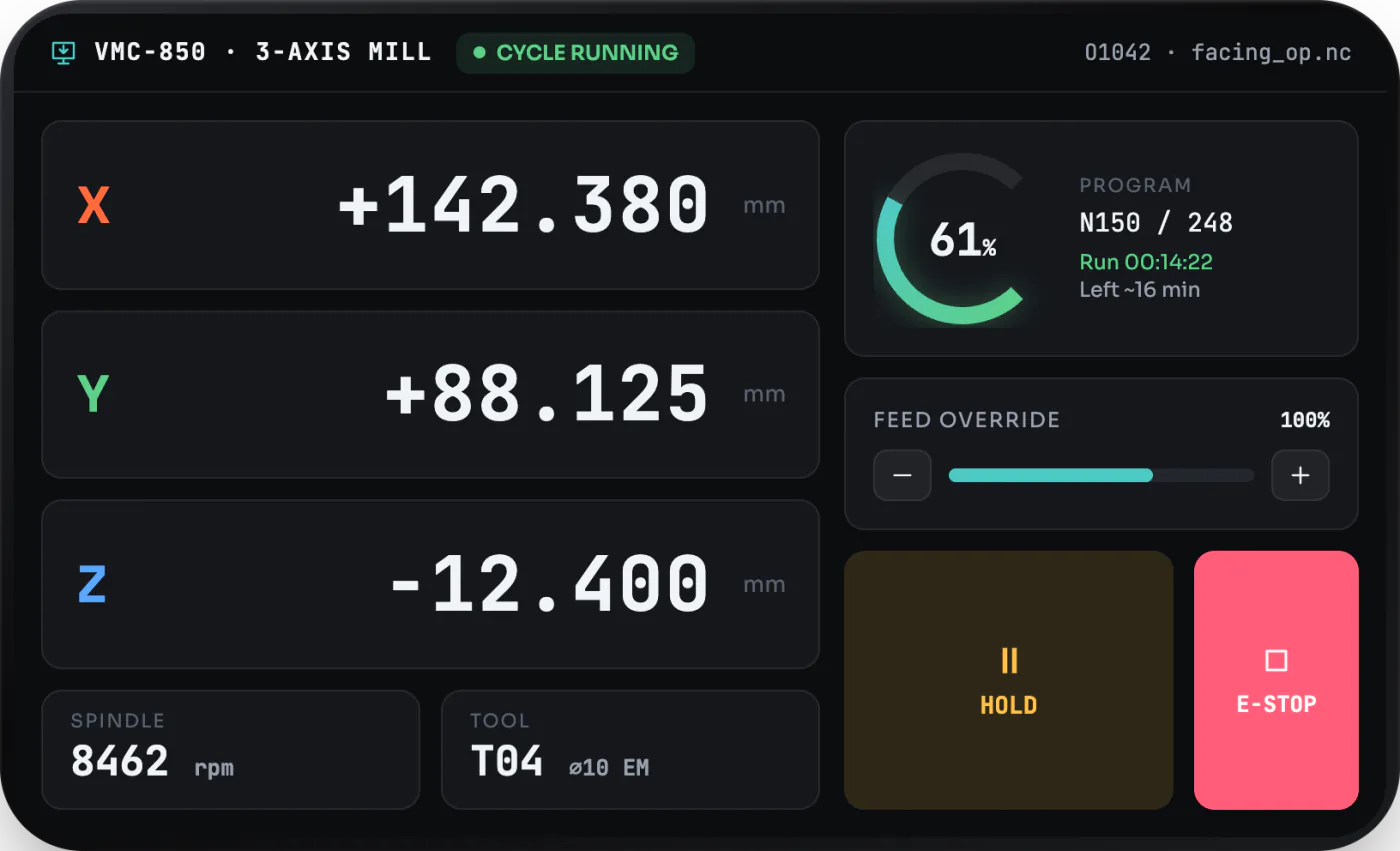
The same components paint to square, round, landscape, colour and e-paper panels. When you move an app to a different board, you adjust the styling for that panel and leave the app logic alone.
Here's one example — our counter app, unchanged, running across several devices:
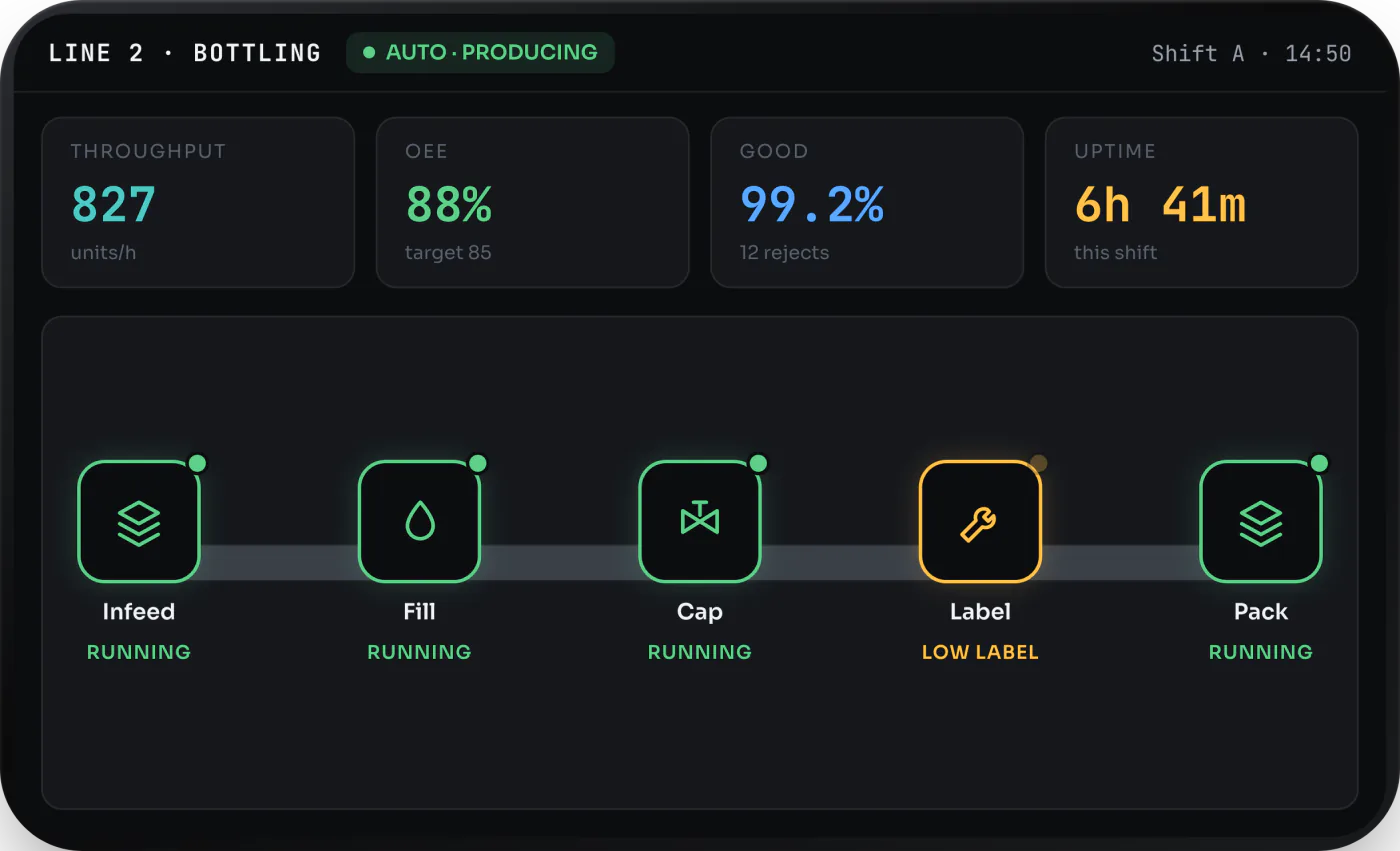
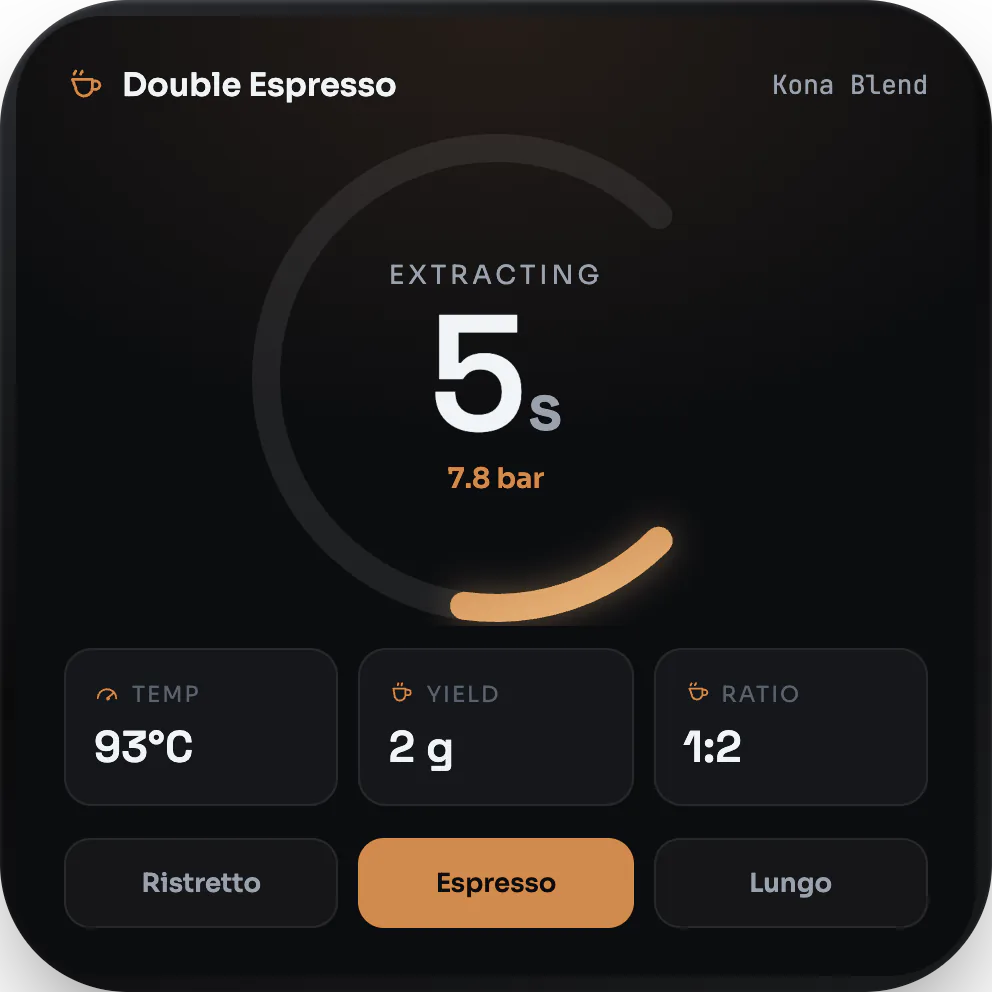
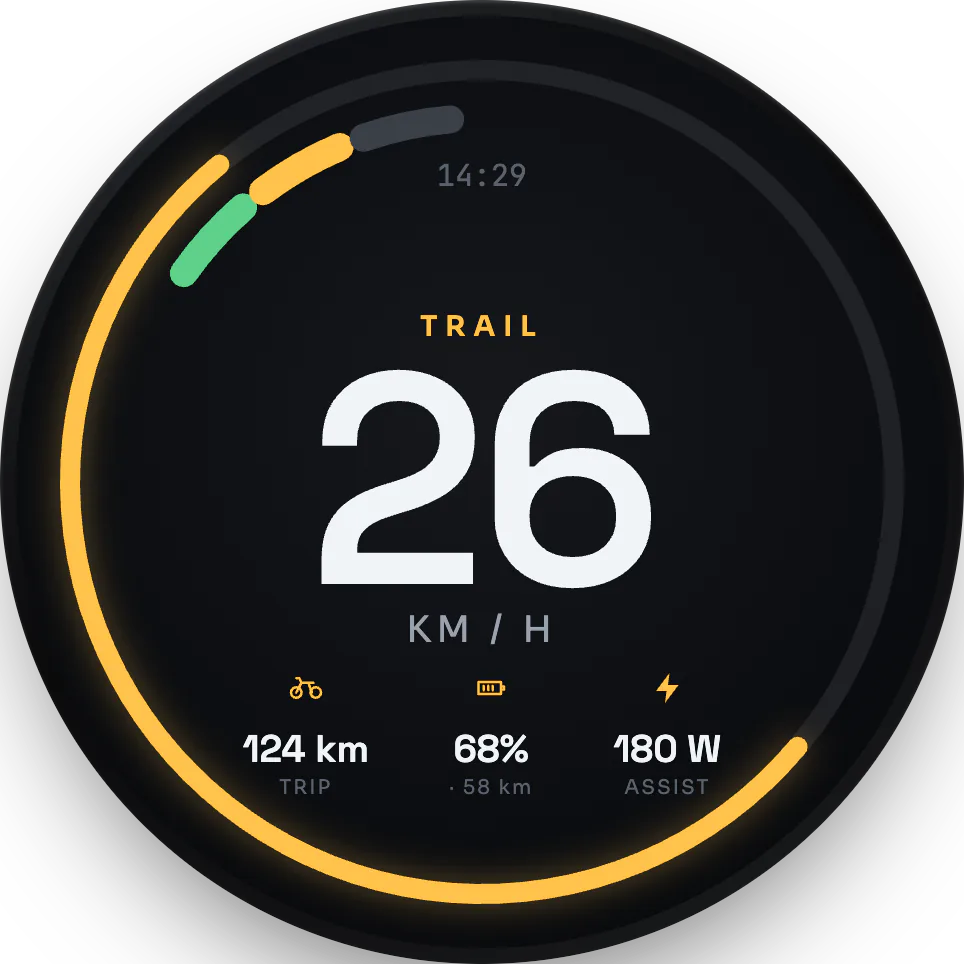
The UI is ordinary TypeScript
Every screen here is built from GEA components. geatsc reads each component at build time and lowers it to native code that goes into the firmware image. Once it is on the chip, the firmware is the app; there is nothing left to parse or interpret.
import { ReactiveComponent } from 'gea-embedded'

// One component, one reactive field. geatsc lowers count to a typed Signal;
// each tap runs a typed method whose write re-renders only the dependent node.
export class Counter extends ReactiveComponent {
  count = 0

  template() {
    return (
      <div class="counter">
        <span class="count">{this.count}</span>
        <button onClick={() => this.count++}>+</button>
      </div>
    )
  }
}Layout and drawing run on the device
The layout engine is a slice of CSS rewritten from scratch in C++ — flexbox, a small grid, block flow, and absolute and relative positioning — and it runs on the chip itself, laid out every frame. The CSS you write is read at build time and turned into native registration calls that run once at boot. After that there is no stylesheet text on the device and nothing to re-parse; a rule is typed data matched against the live element tree.
.counter-app {
  display: flex;
  flex-direction: column;
  align-items: center;
  justify-content: center;
  gap: 10px;
}
The CSS above compiles, once at boot, into native calls:
auto& sheet = StyleSheet::instance();
sheet.registerRule("counter-app", "display", "flex");
sheet.registerRule("counter-app", "flex-direction", "column");
sheet.registerRule("counter-app", "align-items", "center");
sheet.registerRule("counter-app", "justify-content", "center");
sheet.registerRule("counter-app", "gap", "10px");
Drawing goes through a retained display list. Each node records its draw commands once; on every frame the engine compares them against the previous frame and replays only the commands that changed, in paint order, into an RGB565 framebuffer, then sends those regions to the panel over DMA in row chunks. A reactive write makes this exact: it notifies only the binding that read the value, which marks that one node's commands dirty. Change a counter and only the counter repaints.
Host APIs that match the hardware
The board's peripherals show up as native APIs the app calls directly, with no portability layer
between your code and the hardware: Display and a Canvas 2D context for the screen;
click, touch and rotary events for input; WiFi, fetch, WebSocket
and an HTTP server for networking; localStorage and a file cache for storage; an
accelerometer and GPS for sensors; and camera, audio and Bluetooth for media.
Where the web already has an API, GEA keeps it. fetch returns a response with
.ok, .status and .json(); localStorage persists
across reboots; geolocation, getUserMedia and WebSocket are
the ones you already know. Calling the hardware looks like calling the browser.
// fetch is a real global on the device, talking to the board's WiFi.
const res = fetch('https://api.open-meteo.com/v1/forecast?latitude=41&longitude=29¤t=temperature_2m')
if (res.ok) {
const data = res.json()
showForecast(data)
}When a board has more to offer, the same APIs reach it: the camera API drives the ESP32-P4's image sensor, and the display API exposes e-paper refresh modes on e-paper panels. Hardware a board does not have reports itself unavailable rather than failing.
Board support
GEA currently runs on a growing set of ESP32-S3 and ESP32-P4 boards. We're finalising the full, up-to-date list and will publish it here soon.